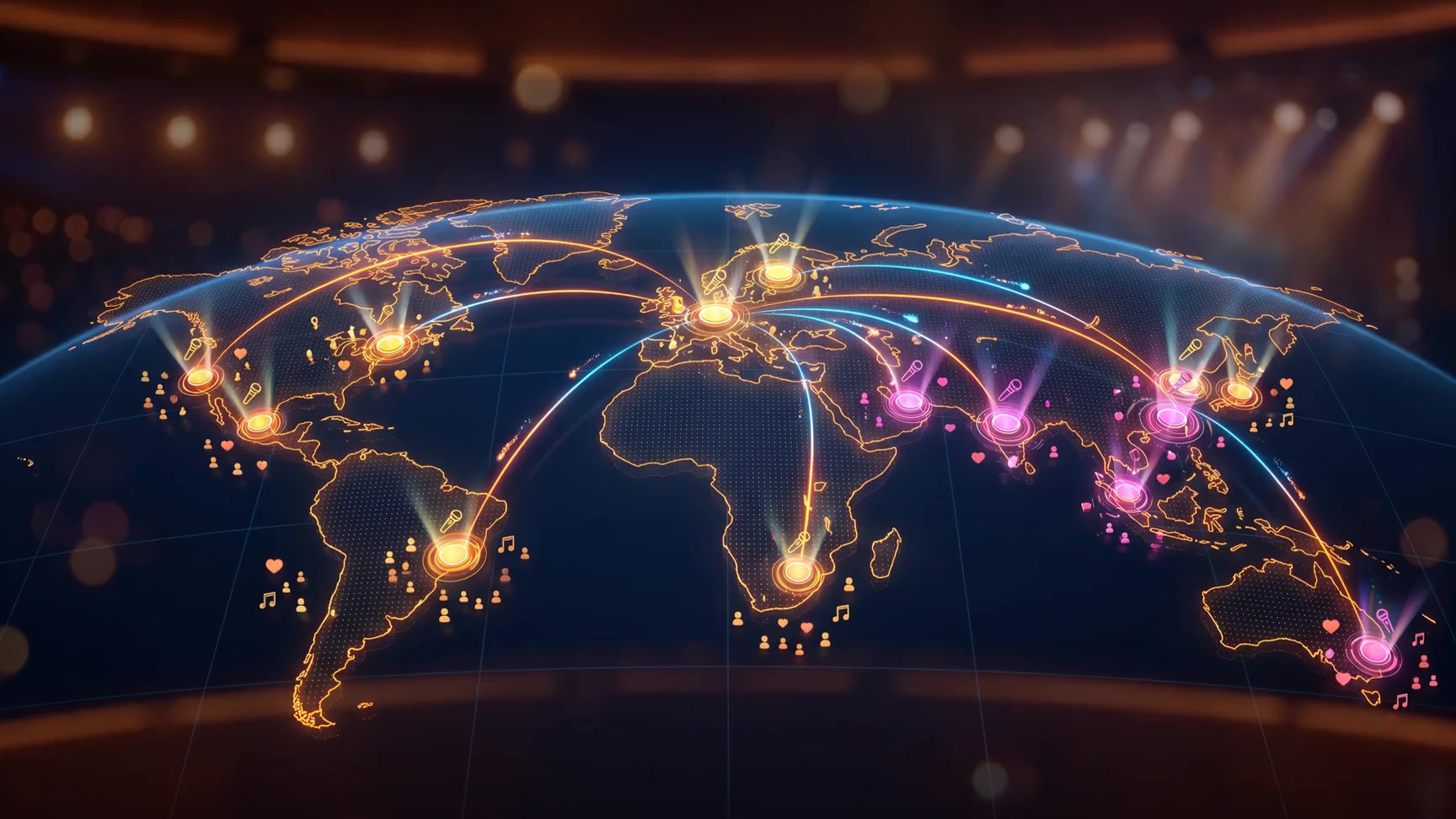
Before OnStageMap
Fans stop searching. You stop repeating.
Tour info shouldn't live in captions and DMs. Fans juggle apps and still miss niche shows. One official link beats another hop in the link stack.
For artists
- Dates hide in Instagram Stories and pinned posts that scroll away. You answer “where / when / link?” every week.
- Link-in-bio lists links but not your journey on a map; fans don't feel your reach.
- Ticket URLs differ per show; one wrong link in a caption costs sales.
For fans
- “When is the next show?” means scrolling the feed, checking Songkick or venue socials, and still missing on-sale windows.
- “Have they played near me?” means digging old posts or giving up on smaller artists you actually care about.
- Tickets, streams, and merch sit on different apps. Hard to trust which link is official.
How it works
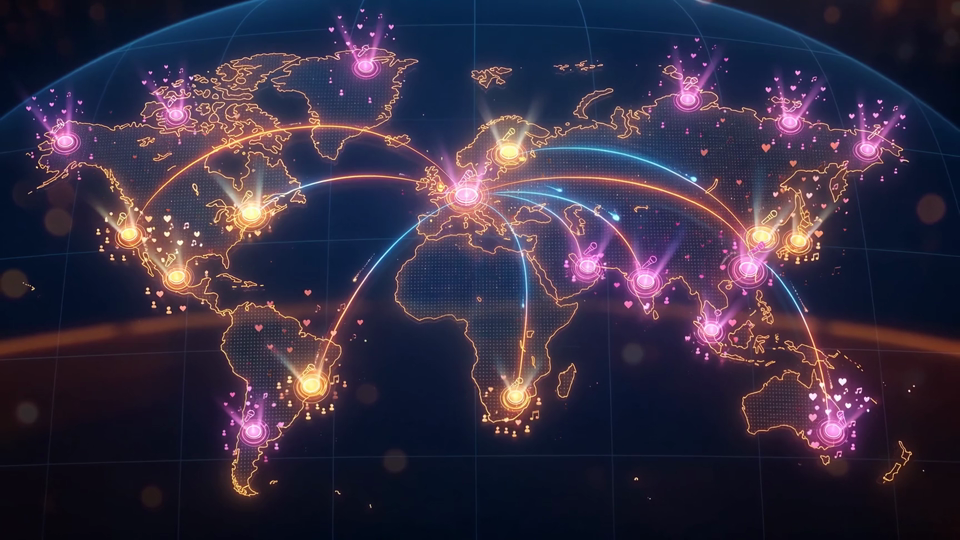
Put your tour on the map
Step 1 of 5
Claim your link
Reserve onstagemap.com/you. Your official stage URL, ready to print on a poster.
Step 2 of 5
Add a show
Drop your next gig on the map. Upcoming pins use your theme accent so fans spot what’s next.
Step 3 of 5
History draws the route
Past venues connect into a path. Your career is a route, not a bullet list.
Step 4 of 5
Tickets and calendar
Fans get date, city, Get tickets, and Add to Google Calendar from one event card.
Step 5 of 5
Share once
One update in the dashboard refreshes the map, upcoming list, and ticket buttons everywhere.
Event management
Fans know where to catch you next
Add upcoming shows with dates, cities, and ticket URLs. Fans get Get tickets, optional on-site pricing, Add to Google Calendar, and a shareable event link. One card, always current when you update the dashboard.
One link for everything
Music, merch, and social, stacked on your stage
Ordered link rows plus profile fields for Spotify, Instagram, YouTube, TikTok, and your website. Music, merch, and social sit on the same stage as your map and shows.
Custom themes
Match your vibe
Choose default, midnight, warm, forest, or rose. Page gradient, event cards, map pin colors, and ticket buttons follow your theme in two clicks in Settings.
Default
Purple gradient
Midnight
Dark blue
Warm
Dark amber
Forest
Dark green
Rose
Dark rose
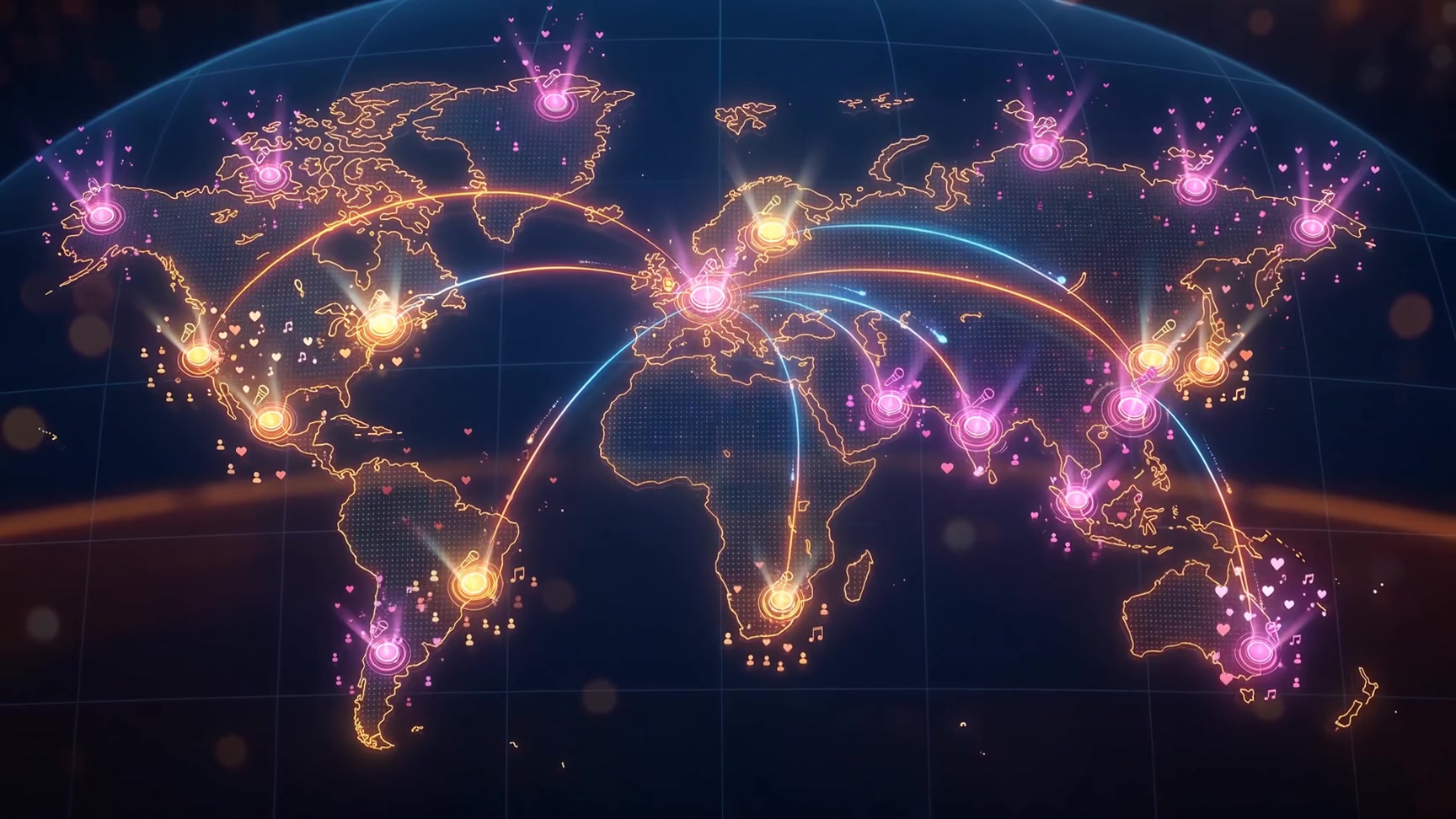
Trusted by artists
Open one link. Map, next gig, and a ticket button fans can trust.
Weekly gig announcement
Add one event in the dashboard. The map pin, upcoming card, event URL, and calendar link go live. Share one link instead of rewriting captions.
New fan at a festival
They scan your QR or open your URL. Map, past shows, and Spotify, in one session instead of hunting Instagram.
Door plus online tickets
Ticket buttons and an on-site price badge on every event card. Same answer every time, no more DM price quotes.
Common questions
- I already have Linktree.
- Keep it if you want. Or use one URL that includes links plus a tour map and dated events.
- I only play locally.
- One event and a map pin are enough to prove you play here; past shows build local trust.
- Updating is extra work.
- One event form updates list, map, share URL, and ticket buttons together.
- Fans use Instagram.
- Put onstagemap.com/you in bio. Instagram for content, OnStageMap for dates and tickets.